Identity
SSO, JIT, and SCIM
Sign in with your organization's SSO. Members are added on first sign-in and kept in sync with SCIM.
The AI agent platform for teams
ennbark is a cloud development platform for teams building with AI agents. Agents keep working after you close your laptop, and every conversation stays where your team can see it and pick it up.
On a laptop, an agent stops when the lid closes — and only you saw its work.
Each figure shows the same moment twice. Grey wakes fade the way work fades on one person's laptop. The coral line stays where the whole team can see it.
01 · Laptop closed
On ennbark, agents run in the cloud, so the work keeps going after you log off.

02 · One person's chat
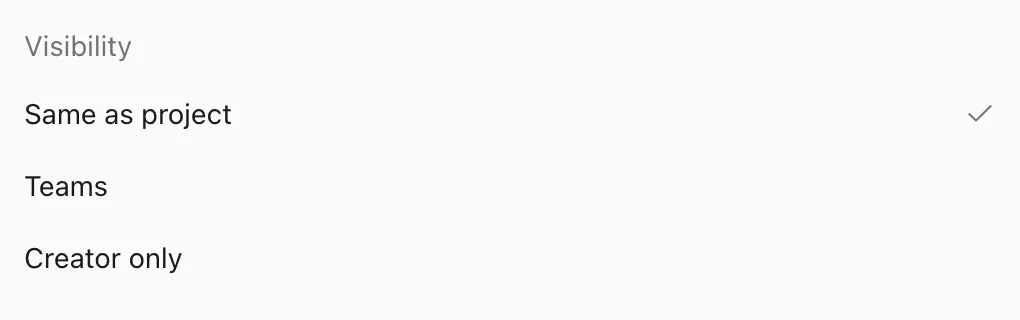
On ennbark, every session lives in the shared workspace, and you choose who can see it.
03 · Someone is out
On ennbark, the history and the work environment stay intact, so another member can add instructions and continue.

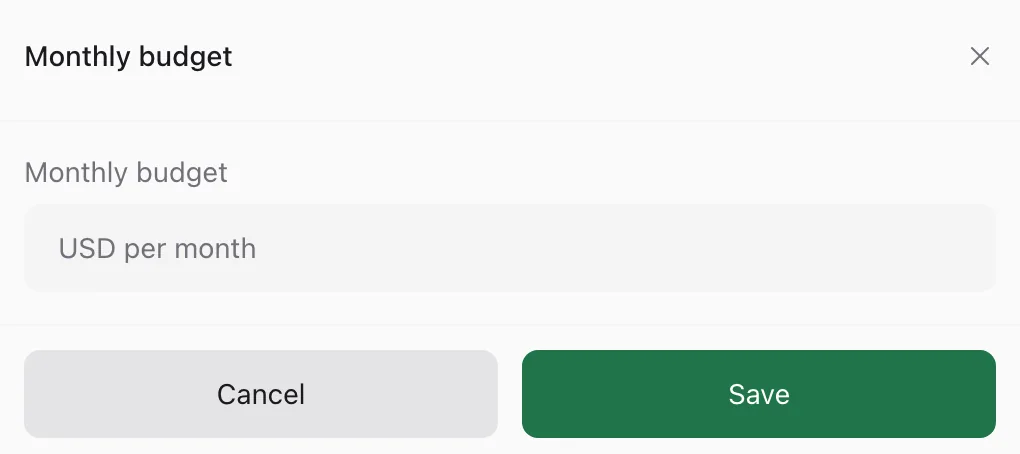
Admins decide what agents can do and how much they can spend.
Identity
Sign in with your organization's SSO. Members are added on first sign-in and kept in sync with SCIM.
MCP
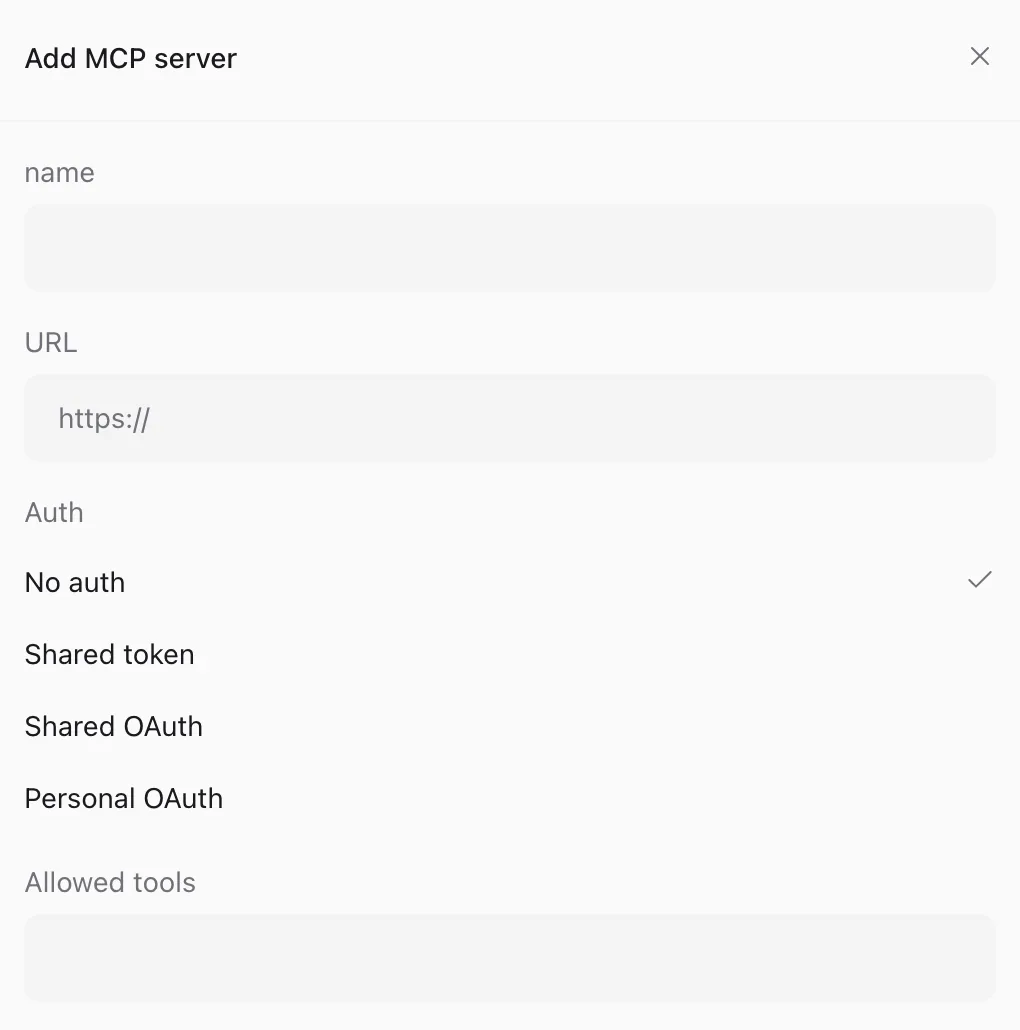
Agents can connect only to the external tools your admins have approved.
Audit
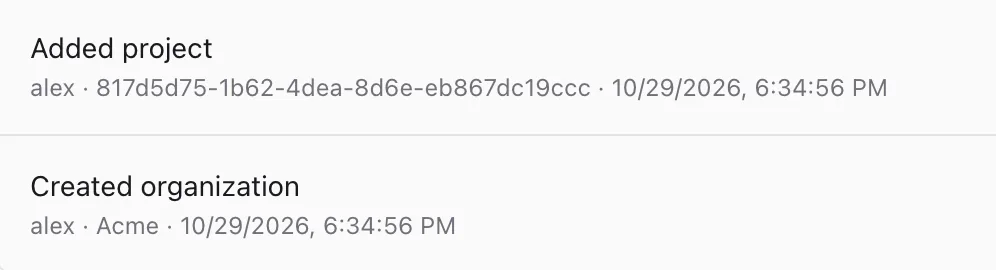
Track spend per member and record who asked which agent to do what, and when.
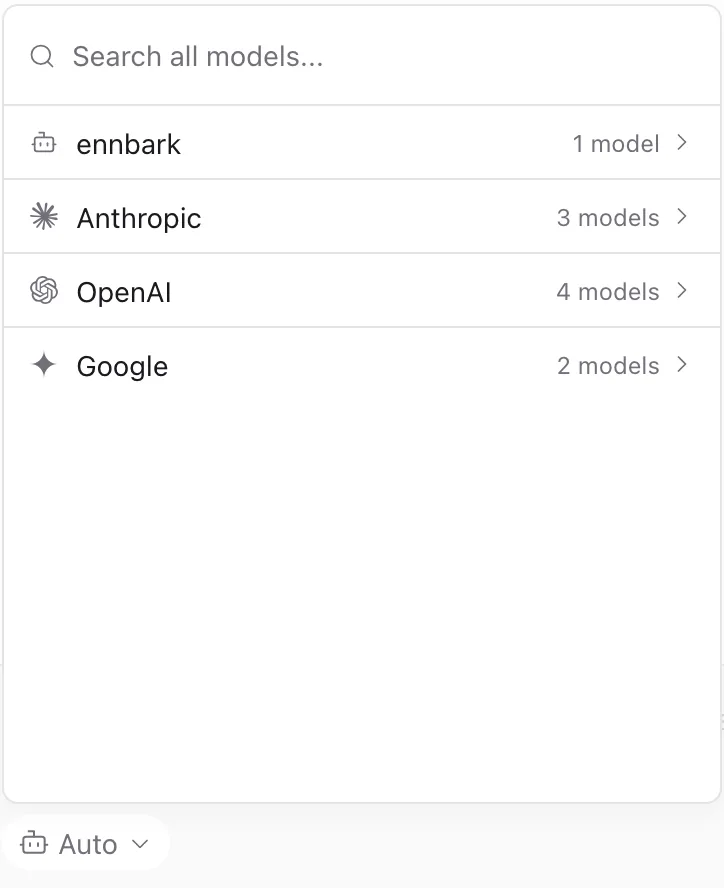
Simple tasks go to cost-efficient models. Complex tasks go to frontier models.
Research, summaries, small fixes
Cost-efficient model
Implementation, writing tests
Standard model
Design, hard-to-find bugs
Frontier model
Exceptional token efficiency.
Large models are used only where they matter, so the same budget gets more work done.
A cloud development platform for teams building with AI agents. Everyone in your organization works from the same workspaces and agents, adding instructions and taking over work as needed.
Yes. Conversations are stored in the cloud and work runs on a computer dedicated to each workspace, so your local machine doesn't need to stay on.
ennbark picks a model based on how hard the task is: cost-efficient models for simple tasks and frontier models for complex ones. We update the models used for each kind of task over time.
Yes. ennbark supports per-organization SSO, JIT provisioning, and SCIM. Admins can restrict which MCP servers are available, review member activity, and set budgets, and actions are recorded in audit logs.
Pricing is per seat. Your organization pays in one place, and admins assign a seat to each member.
It's a play on the word "embark": to board a ship, or to set out on something new.